Example IAM task execution roles for ECS and Fargate
Amazon Elastic Container Service (ECS) uses two different types of Identity and Access Management (IAM) roles:
- Task execution role - This role is used by Amazon provided code inside of the ECS agent, to setup the launch environment for the task.
- Task role - This role that is used by your own code running inside of the task.
To better understand the relationship between these two roles consider the following diagram of an EC2 instance that is running an ECS task:
IAM policies for the ECS task execution role. Guidance on ECS task execution best practices.
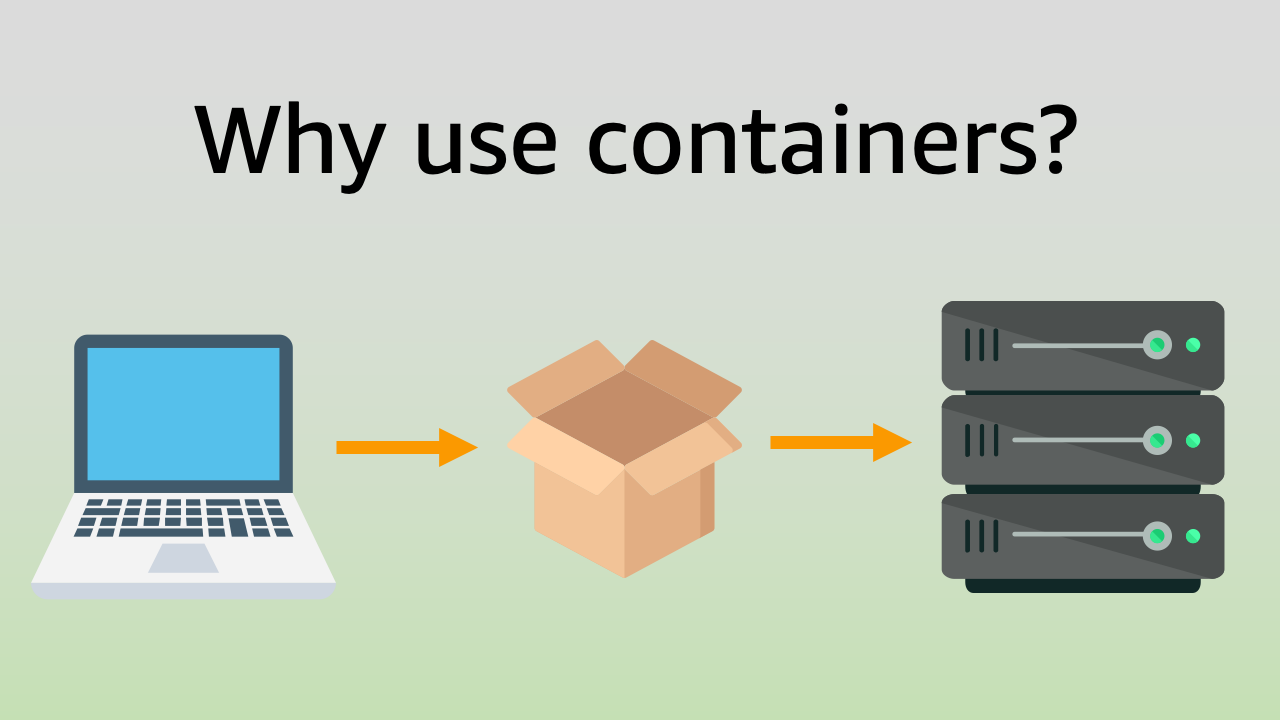
Why use containers for your application?
Containers are a popular open source standard for developing, packaging, and operating applications at scale. There are a few key benefits to using containers:
Packaging
Containers provide you with a reliable way to gather your application components and package them together into one build artifact. This is important because modern applications are usually composed of a variety of pieces that must work together in sync. These pieces include not only your code, but also dependencies, binaries, or system libraries.
What are the benefits of packaging your application as a container?

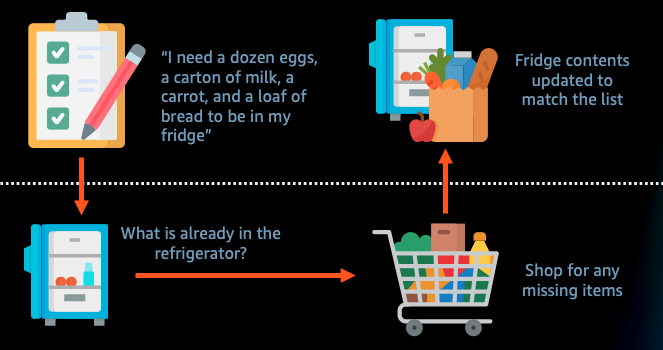
Why use infrastructure as code?
Infrastructure as code is the process of provisioning and managing your cloud resources by writing a template file that describes what infrastructure you want to create. The template file is both human readable, as well as machine consumable. Humans write or edit the file in order to change what infrastructure they would like in their cloud deployment. An infrastructure as code service then makes automated API calls to actually create or update the infrastructure to match what the infrastructure as code template requested.
Infrastructure as code can help you deploy cloud architecture faster and more reliably.
Using ECS Service Extensions to attach a file system volume to a task
About
The ecs-service-extensions package is an extendable plugin system for defining Amazon ECS service deployments in AWS Cloud Development Kit (CDK).
Amazon ECS has a large configuration area, and many different features that can be configured. The goal of ECS Service Extensions is to make smaller, reusable chunks of declarative CDK configuration that can be applied to your service in layers.
A service extension that attaches an Elastic File System (EFS) volume to a container running through ECS
Launch a task with durable storage, using AWS Copilot
About
AWS Copilot is the official command line tool for Amazon ECS. It helps you to describe the container application that you would like to deploy. Then Copilot turns your higher level description into a production ready CloudFormation template that it deploys on your behalf.
AWS Copilot manifest that defines an ECS task with a durable file system volume attached.

Hi I'm Nathan Peck! 👋
Hi! I work as a senior developer advocate at AWS.
Prior to working at AWS I worked in the NYC startup scene, on my own personal projects, as well as Airtime (a social media platform focused on live social experiences), and StoryDesk (an iPad first presentation software with a built-in analytics system).
Meet AWS developer advocate Nathan Peck, and learn his thoughts on building with containers.